Turn the computer lab into a launchpad.

Have Fun gives teachers a guided project journey while students build websites, create database-backed software, deploy to a server and launch something real.

Plan a Have Fun labSee the student journey
Structured for teachers. Exciting for students. A live product at the end.
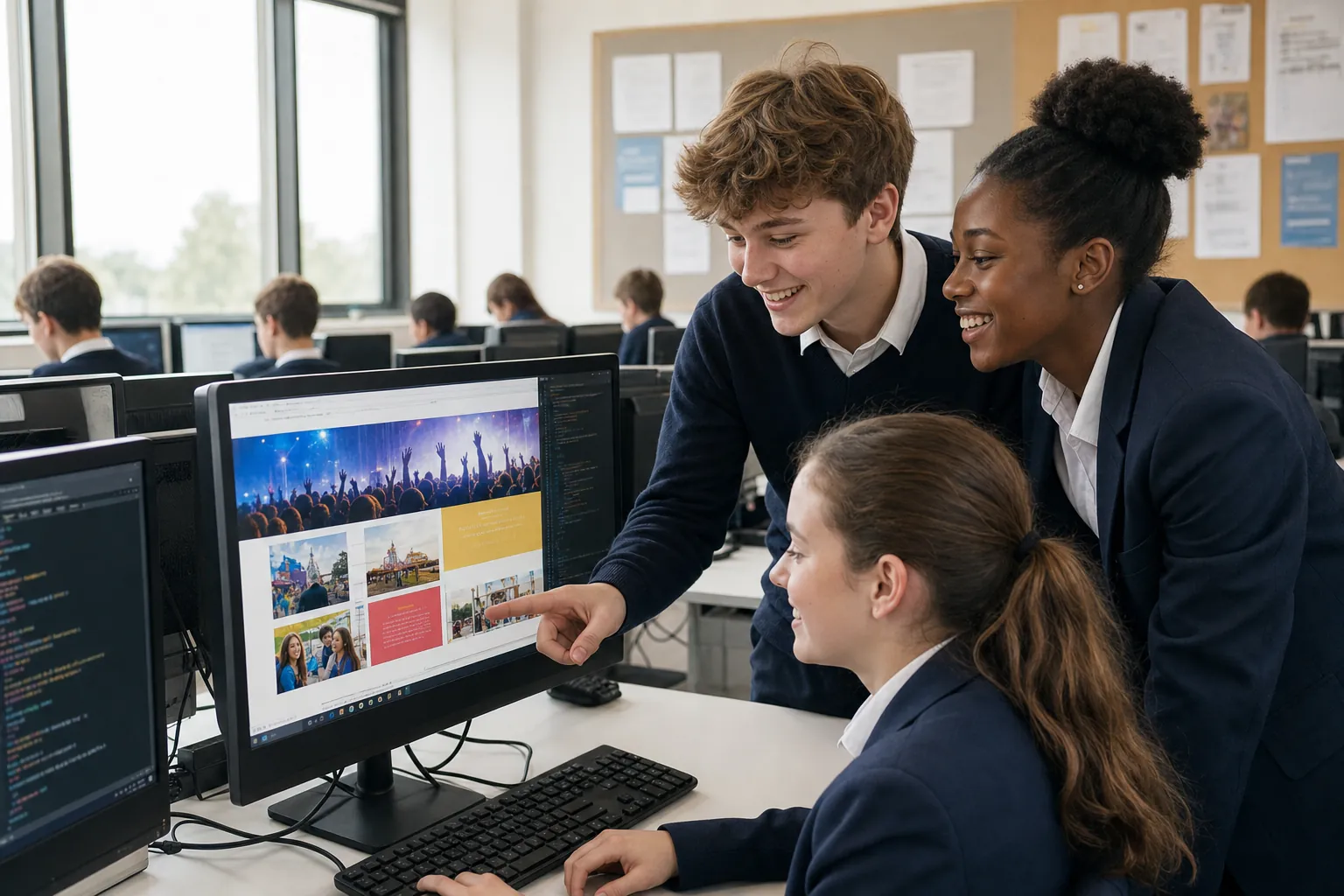
School students collaborating on a website project in their computer lab
Class 8A · Project studio18 of 24 on track
Current projectSchool Festival SiteWebsite + database
01Idea02Build03Data04Deploy05Live
01
For school leaders

Build future-ready skills through a structured lab programme.

02
For teachers

Run guided projects with clear milestones and guidance points.

03
For students

Create, launch and explain something genuinely theirs.

01

Give teachers structure. Give students ownership.

Have Fun turns a computer period into a guided product studio. Teachers can keep a class moving through clear milestones while every student still makes the idea, interface and final product their own.

For the whole lab

Built for the way school labs actually run.

A clear teaching structure on one side. Space for student imagination on the other.

01For teachers & school
Class 8ASchool Festival Site
Current milestoneBrief publishedStudents are turning a school need into a page plan.
18on track4need guidance2ready to launch
Class progress75%
  • 01Ready project briefsStart with a clear goal, audience and finish line.
  • 02Visible milestonesSee where the class is moving and where it is stuck.
  • 03Teacher guidance pointsIntervene at the moment a concept becomes useful.
  • 04Work ready to assessReview the product, decisions and student explanation.
02For students
festival.class8.school
RIVERDALE SCHOOLFestival of Ideas

A student-made home for every event, workshop and performance.

Explore events →
Connected dataeventsevent_nameRobotics showcaseevent_date18 OctobervenueInnovation lab
DeploymentReady to publishLaunch project →
BuildDataDeployTheir idea. Their product.
02

A guided project journey with room to invent.

Each stage introduces the next technical idea exactly when the student needs it.

01Imagine

Start with an idea students care about.

Choose a real school or community need, then turn it into a clear product brief.

  • Problem and audience
  • Project brief
  • Page plan
Have Fun · ImagineClass 8A
School Festival SiteBrief · School Festival SiteGuided project · Student-owned result
1Imagine2Build3Data4Deploy
Problem and audienceReadyProject briefIn progressPage planNext
Teacher viewClear milestone. Visible progress. Timely guidance.
The student experience

I made this. I can explain it. It is live.

03

From first idea to a product they can show.

Each stage gives the next technical idea a reason to exist.

01

Imagine

Choose a real school or community idea.

02

Build

Create pages, interactions and workflows.

03

Connect

Add structured application data.

04

Deploy

Publish the project to a server.

05

Present

Demo, explain and improve the result.

Example student project
RIVERDALESchool Festival Site

Events, schedules and registrations for the school community.

Example student project
SCIENCE CLUBScience Data Explorer

Collect observations and turn class data into visible findings.

Example student project
SCHOOL LIBRARYLibrary Booking App

Search, reserve and keep track of shared school resources.

The launch moment

End the term with something worth showing.

A live product changes the energy of the lab. Students can demonstrate their choices, teachers can assess authentic work, and families can see what computing lessons made possible.

  • A portfolio students can explainProof of thinking, building and improving.
  • A showcase families can seeTurn student work into a proud school moment.
  • Evidence teachers can assessReview process and product, not only a worksheet.
  • A launch the school can celebrateFinish with demos, feedback and recognition.
Plan a lab pilot
04

Built for teachers. Remembered by students.

Clear enough to run with a class. Open enough for students to make it theirs.

01

Ready project briefs

Give teachers a clear starting point with goals, milestones and deliverables.

02

Visible class progress

See who is moving, who needs guidance and who is ready to launch.

03

Work students can explain

Keep the idea, decisions and product visibly owned by the student.

04

A real finish line

End with deployment, presentation and a product the school can showcase.

Connect the project studio to the school around it.

See all modules
01Learning Management02K–12 Schools03Higher Education
C

Give your students a computer-lab story worth telling.

Plan a Have Fun pilot around your lab, timetable and student age group.

Plan a lab pilot Talk to our team